
Sample Calendars
Customize localendar to fit your site
Here are some examples that showcase localendar's ability to integrate with all kinds of sites. Click the image next to the description to see a live example.
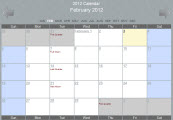 |
This is our basic month-block calendar view. We have more than 12 calendar formats that you can publish using multiple methods, for a total of more than 45 different ways to include an online calendar on your site.
Plus you can subscribe to your calendar with iCal or RSS.
Feel free to use this example as a printable 2015 calendar. |
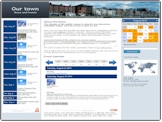 |
This example shows off localendar's powerful support for publishing your calendar. There are 3 different calendars used on the page, but the most impressive is
the one in the middle which shows our fully-interactive embedded calendar that does not rely on an HTML <iframe>. This calendar will automatically fit itself into your site for the best presentation possible.
This example also shows a calendar list-view on the left, and localendar's "mini" calendar style on the right.
|
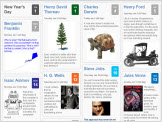 |
This calendar example uses our "Pinboard" style, also known as a "flow view". This presentation style was made popular by the Pinterest social-sharing site.
Check out the Day, Week, and Month views using this format.
Resize your browser, and the events will automatically reposition themselves for the best layout.
This is just one of the many different ways that localendar lets you publish your calendar. |
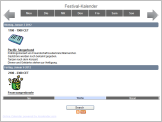 |
This calendar demonstrates localendar's ability to display multiple languages (German/Deustch in this case), other timezones, and 12/24 clock support. This calendar also shows several other customizations.
The display-style is our "week-list" view, which only shows days of the current week which have events. This calendar purposely shows the first week of January. You can use the "start_date" setting to automatically show a specific calendar from the past, present, or future. Lastly, this calendar starts each week on Monday. |
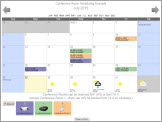 |
This calendar uses localendar's Scheduling Module to demonstrate a Room Reservation System.
The Scheduling Module allows you to control appointment bookings, resource reservations, and more!
Click here to learn more about this feature. |
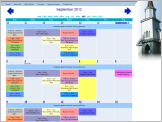 |
This sample church calendar uses localendar's alternative "Month-Block" style which groups events that occur across multiple consecutive days into a single block.
On this site, localendar has been included using one of the public calendar views and an HTML <iframe>
|
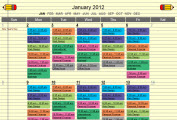 |
You can group related events easily by using custom, color-coded categories. This example shows how a teacher uses custom categories to keep track of her class schedule.
Scroll to the bottom of the calendar to see the legend.
The calendar also features a search button to give students another way to find when classes meet. |
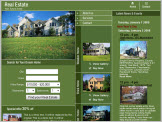 |
As this example shows, you can get very creative with how you publish your calendar. The list of open-houses down the right is actually a localendar calendar, leveraging uploaded clipart for the house images.
Customized colors complete the seamless integration into the site.
|
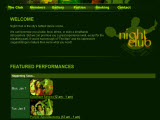 |
localendar has a variety of formats for publishing your events, as this example shows. This nightclub is making use of our "Today + Happening Soon" view.
You can customize the titles for each section as well as the number of days to look ahead for "Happening Soon".
|
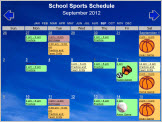 |
Give each group in your organization (or member in your family) their own personal calendars, and merge them into a single, unified view with localendar's calendar-merge feature.
You can color-code each merged calendar and localendar will automatically display a legend to let you jump to specific schedules.
This example merges the schedules for different sports teams onto a single calendar. Each team manages its own calendar separately. The calendar uses built-in clipart and a user-uploaded custom background. |
 |
Here is another example that uses a "List-style" view of upcoming events, similar to what a newspaper or newsletter might use. This calendar style will only display days that have events and skip any that do not.
There are list-style views for the current week, month, or a custom period that you configure.
|
 |
localendar is more than just calendars. This sample day-care site also uses the per-calendar discussion forums. A simple homepage greets visitors to the site; localendar provides the rest of the features. That
made it possible to get this business online quickly and easily.
|
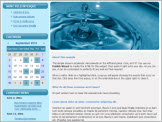 |
Another unique calendar style is localendar's Mini Calendar. For websites that are short on available space, this is a great way to let visitors see dates that have one or more events.
Clicking on a highlighted date will display a balloon-style pop-up listing everything happening on that day. And of course, it's fully interactive so visitors can check out upcoming months.
|
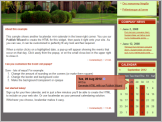 |
Another mini-calendar example demonstrates how all of localendar's calendars (even the mini-calendar style) can be extensively customized to fit your site.
|
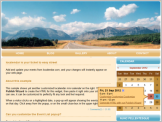 |
You don't need to learn a lot of HTML or CSS to customize localendar. localendar has an interactive what-you-see-is-what-you-get customization wizard, which lets you choose colors, change arrow styles, upload
backgrounds, and see all of your changes on a dynamic calendar preview before you push them out to your site.
|
 |
Custom Images
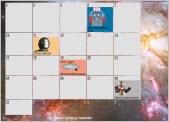
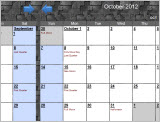
You can upload your own custom images to use as calendar backgrounds, event clipart, or as part of your event description. Not only can this help blend your calendar into your site, you can make your events more eye-catching.
Don't have a website? No problem: Every calendar has its own simple url you can use to share your events directly with no extra work required.
|
 |
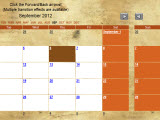
We're really proud of localendar's special transition effects. A calendar doesn't have to move plainly between months - you can make things a lot more interesting and fun for your visitors.
This preview demonstrates our unique "slide sideways" effect.
|
 |
This calendar uses the same "slide-sideways" effect as the previous example on the month-view, but if you click on a Day on the calendar, you'll notice that the Day-view's forward and back arrows use our "fade+slide" up/down effect.
|
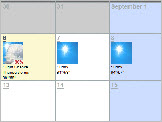 |
You can place local forecast images and descriptions on your calendar. This may help visitors prepare for the weather during your events.
This example includes the forecast for Sacramento, California.
Local weather forecasts are available for the entire planet. |
